Explore Any Narratives
Discover and contribute to detailed historical accounts and cultural stories. Share your knowledge and engage with enthusiasts worldwide.
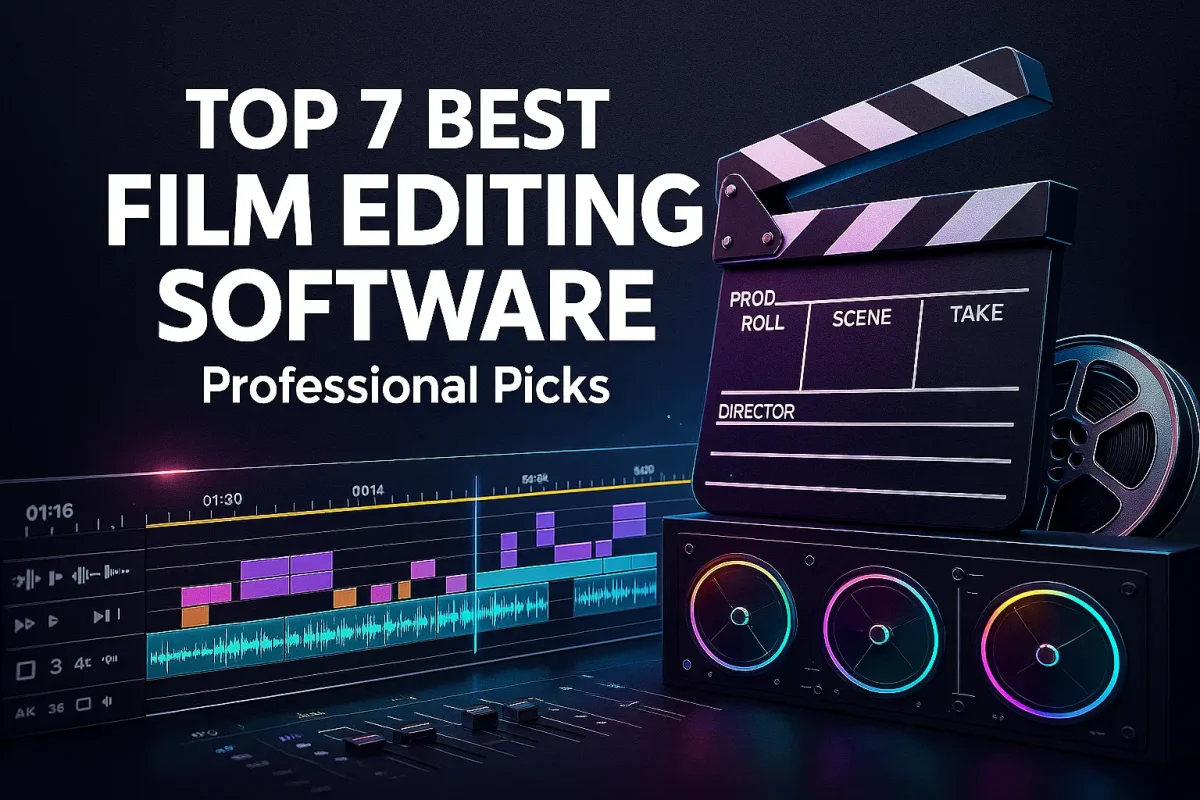
Choosing the right film editing software is a critical decision for any filmmaker. The modern editor is more than a cut-and-splice tool. It is a complete post-production hub. Today's top platforms blend traditional timeline work with AI-powered features, Hollywood-grade color correction, and audio mixing.
This guide analyzes the leading professional and prosumer video editing software. We will explore industry standards, powerful free alternatives, and the latest 2025 innovations. Our goal is to help you find the perfect editing suite for your workflow and budget.
Professional filmmaking demands software with robust features, precision, and reliability. The market is led by a few dominant players, each with a distinct philosophy. The choice often comes down to ecosystem, workflow preference, and project complexity.
Adobe Premiere Pro is the undisputed industry standard for professional film and television editing. It is a cornerstone of the Adobe Creative Cloud subscription. This gives it seamless integration with After Effects for VFX, Photoshop for graphics, and Audition for audio.
Its strength lies in unparalleled flexibility and collaboration tools. Editors working in team environments rely on its shared projects and robust format support. Premiere Pro continually integrates new features, like advanced AI tools for auto-reframing and audio cleanup.
Premiere Pro holds the "gold standard" position for professional Hollywood pipelines due to its comprehensive toolset and ecosystem integration.
DaVinci Resolve from Blackmagic Design represents a seismic shift in the editing landscape. It combines professional non-linear editing, Hollywood-grade color correction, visual effects, motion graphics, and audio post-production in a single application.
Its most disruptive feature is a fully-featured free version. This gives aspiring filmmakers access to tools used on major feature films and TV shows. The paid DaVinci Resolve Studio version unlocks even more power.
Apple Final Cut Pro is engineered exclusively for macOS and iPadOS. It is famous for its unique magnetic timeline, which eliminates clip collisions and allows for incredibly fast editing. After a one-time purchase, users receive lifetime updates.
Final Cut Pro is optimized for Apple silicon Macs, delivering blistering performance for high-resolution playback and rendering. It excels for editors who prioritize speed and a fluid, intuitive cutting experience over sprawling feature sets.
The film editing software landscape in 2025 is defined by rapid innovation. Key trends include deeper AI integration, a focus on raw processing speed, and the consolidation of tools into unified applications. These advancements are making professional-grade results more accessible than ever.
Artificial intelligence is no longer a novelty. It is a core component of modern editing software. AI tools handle tedious tasks, allowing editors to focus on creativity. This technology is now embedded across all tiers of software.
DaVinci Resolve Studio 20 features an AI Neural Engine. It powers functions like object removal, facial recognition, and automatic depth map generation. Adobe Premiere Pro uses AI for intelligent cropping, audio enhancement, and automated transcriptions.
For prosumers, CyberLink PowerDirector includes AI-powered style transfer, sky replacement, and motion tracking. Even free tools like CapCut offer impressive AI features for quick social media content.
The traditional paid software model faces pressure from high-quality free offerings. DaVinci Resolve leads this charge. Its free version is so capable that it is used on professional projects.
This has created a powerful free/pro hybrid model. Filmmakers can start with zero investment. They can then upgrade to the Studio version only when their projects require its advanced features. This model is reshaping budget-conscious indie and documentary filmmaking.
DaVinci Resolve is now considered the "holy grail" free option, challenging subscription-based models and empowering a new generation of creators.
Editors demand instant feedback. Software developers are responding with optimized engines for scrubbing and playback. CyberLink PowerDirector 2026 boasts unmatched speed for real-time playback of high-compression HD footage.
Apple Final Cut Pro leverages the Metal engine and Apple silicon for buttery-smooth timeline performance. The industry-wide push is towards eliminating rendering waits. This allows for a more intuitive and creative editing process.
While specific needs vary, all professional film editing software shares common core capabilities. Understanding these features will help you evaluate your options.
All modern professional editors are non-linear editors (NLEs). This allows you to access any clip at any time. You are not bound to a sequential tape-based workflow. Key NLE features include multi-track timelines, drag-and-drop editing, and non-destructive workflows.
Professional color tools are mandatory. Basic color correction fixes exposure and white balance. Color grading is the art of creating a specific visual style or mood. Look for support for high dynamic range (HDR) and wide color gamuts.
DaVinci Resolve is the undisputed leader in this category. Its color page is used by professional colorists worldwide. However, both Premiere Pro and Final Cut Pro have robust, built-in color grading tools that meet most professional needs.
Great picture means nothing without great sound. Integrated audio tools are crucial. Look for support for multi-channel audio, keyframing for volume, noise reduction, and equalization. Some suites include full digital audio workstations.
DaVinci Resolve includes Fairlight, a complete DAW. Adobe Premiere Pro offers essential audio tools and integrates tightly with Adobe Audition. Good audio editing within your NLE saves time and streamlines the finishing process.
A deeper examination of the leading film editing software reveals their unique strengths and target users. Performance benchmarks, format support, and collaboration features separate the good from the great. The following analysis is based on 2025 releases and professional workflows.
Adobe Premiere Pro's greatest asset is its place within the Adobe Creative Cloud. This deep integration creates a seamless pipeline. An editor can send a sequence to After Effects for complex VFX with a single click. They can also round-trip audio to Audition without file exports.
For collaborative projects, its Team Projects feature is industry-leading. Multiple editors can work on the same project simultaneously. This is vital for television and streaming series with tight deadlines. Its support for a vast range of professional camera formats is also unparalleled.
DaVinci Resolve Studio is not just editing software. It is a complete post-production suite. The Studio version unlocks the full power of the application. It is designed for high-end film and broadcast television finishing.
Key Studio-only features include temporal and spatial noise reduction, HDR grading, and stereoscopic 3D tools. Its support for resolutions beyond 4K at 120fps caters to the most demanding projects. The AI Neural Engine dramatically speeds up tasks like object tracking and facial recognition.
DaVinci Resolve Studio supports over 100 new GPU and CPU-accelerated Resolve FX filters, including advanced blurs, lens flares, and the Film Look Creator.
Apple Final Cut Pro delivers a uniquely fast editing experience. This is due to two factors: deep optimization for Apple hardware and its innovative magnetic timeline. The magnetic timeline automatically avoids clip collisions and sync issues.
For editors invested in the Apple ecosystem, its performance is unmatched. It leverages Apple silicon chips for real-time playback of multiple streams of 8K ProRes video. The one-time purchase model with free updates is also a significant financial advantage over subscriptions.
Not every project requires a Hollywood-grade toolset. Many creators need capable, accessible software for quick edits, online content, or learning. The free and prosumer video editing software market has grown exponentially in quality and features.
The free version of DaVinci Resolve is a serious professional tool. It includes the same core editing page, color page, Fairlight audio, and Fusion VFX as the Studio version. Limitations primarily involve advanced features like noise reduction and certain HDR output options.
It is the best free option for anyone serious about learning professional post-production. The transition to the paid Studio version is seamless, with no project relearning required. This makes it a powerful free/pro hybrid model for growing filmmakers.
CyberLink PowerDirector is renowned for its rendering speed and comprehensive feature set. The 2026 and 365 versions include powerful AI modules. These assist with object detection, sky replacement, and style transfer. It is a strong choice for Windows users seeking a subscription-free option.
Pinnacle Studio Ultimate is another robust, one-time-purchase option for Windows. It offers multi-camera editing, 360-degree video support, and a wide array of effects. Both applications cater to prosumers and hobbyists who need more power than free apps provide.
For rapid social media content and simple projects, quick-edit tools are ideal. CapCut has emerged as a powerful free tool with surprising depth. It supports 8K exports and includes trendy AI effects directly on desktop and mobile.
Adobe Premiere Rush is a simplified version of Premiere Pro designed for cross-device editing. It is perfect for vloggers and social media creators. Clipchamp (owned by Microsoft) is a capable web-based editor integrated into Windows 11.
Professional workflows demand specific technical capabilities. Support for high-resolution formats, raw camera codecs, and professional delivery standards is non-negotiable. Here is how the top applications compare in key technical areas.
The ability to handle high-resolution footage is critical. Most professional software now supports 8K editing. DaVinci Resolve Studio leads with support for resolutions beyond 4K at up to 120 frames per second. This is essential for high-frame-rate filmmaking and future-proofing.
High Dynamic Range (HDR) grading is another crucial feature. Both DaVinci Resolve and Adobe Premiere Pro offer advanced HDR tools. Final Cut Pro supports HDR grading, particularly within the Apple ecosystem using ProRes formats.
DaVinci Resolve powers more feature films and television shows than its competitors, partly due to its superior handling of extreme resolutions and high dynamic range workflows.
Native support for camera raw formats saves time and preserves image quality. Adobe Premiere Pro supports a vast array of raw formats from Canon, Sony, RED, and ARRI. DaVinci Resolve is famous for its exceptional native support of Blackmagic RAW and extensive format list.
Apple Final Cut Pro excels with Apple ProRes, its own proprietary codec. ProRes is widely used as an intermediate and delivery format due to its high quality and editing performance. Final Cut also supports common raw formats from major camera manufacturers.
Smooth playback of high-resolution, multi-stream timelines requires powerful hardware acceleration. All major applications leverage both GPU and CPU power. DaVinci Resolve is particularly known for its efficient use of GPU resources for real-time effects and color grading.
Apple Final Cut Pro is optimized specifically for Apple's Metal API and M-series chips. This often results in the best performance-per-watt on Apple hardware. Adobe Premiere Pro uses Mercury Playback Engine, which can leverage both CUDA (NVIDIA) and OpenCL (AMD/Intel) acceleration.
Artificial intelligence is fundamentally changing the editor's daily tasks. It automates tedious processes and unlocks new creative possibilities. In 2025, AI is not a separate tool but an embedded layer across the film editing software landscape.
AI can now assist with the initial assembly of edits. Text-based editing, featured in DaVinci Resolve and Premiere Pro, allows you to edit footage by editing a transcript. The software automatically makes the cuts in the timeline based on your text selections.
AI also automates media organization. It can tag clips based on content, identify speakers, and log footage. This saves hours of manual work. It allows editors to start the creative process faster.
Previously complex visual effects are now accessible with AI. DaVinci Resolve's Magic Mask tool uses AI to instantly create masks around moving subjects for color grading or effects. Its neural engine also powers face refinement and object removal.
AI-driven noise reduction is a game-changer for low-light footage. It can salvage shots that would otherwise be unusable. CyberLink PowerDirector's AI style transfer and motion tracking allow for sophisticated looks with minimal manual keyframing.
Clean audio is critical, and AI excels at this. AI can remove background noise, hum, and clicks without damaging the dialogue. It can also automatically level volumes between clips. These features are now built into Premiere Pro, DaVinci Resolve, and many other editors.
This technology democratizes high-quality audio post-production. Indie filmmakers no longer need a dedicated audio engineer for basic cleanup. This allows them to achieve a more professional sound directly within their NLE.
Selecting the ideal film editing software is a deeply personal decision. It depends on your budget, your hardware, the complexity of your projects, and your workflow preferences. There is no single "best" application, only the best one for you.
For professional film and television editors working in collaborative environments, Adobe Premiere Pro remains the top contender. Its deep integration with the Adobe Creative Cloud and robust team project features are unmatched. The ability to seamlessly share projects with VFX artists and audio engineers streamlines complex productions.
However, DaVinci Resolve Studio is gaining significant ground in this space. Its all-in-one nature eliminates the need to switch between applications. For projects where meticulous color grading is paramount from the start, Resolve offers an integrated pipeline that is hard to beat.
For indie filmmakers, documentarians, and serious hobbyists, the equation changes. Budget and value become critical factors. The free version of DaVinci Resolve is an incredibly powerful starting point. It provides professional-grade tools at no cost, making it the ultimate value proposition.
Apple Final Cut Pro is a superb choice for solo creators operating entirely within the Apple ecosystem. Its one-time fee and optimized performance on Macs offer excellent long-term value. For Windows users seeking a one-time purchase, CyberLink PowerDirector and Pinnacle Studio are compelling alternatives to subscriptions.
The trend towards free and one-time-purchase models is empowering a new wave of independent creators, with DaVinci Resolve leading the charge.
For YouTubers, vloggers, and social media creators, speed and simplicity are key. Tools like CapCut, Adobe Premiere Rush, and Clipchamp are designed for fast, efficient edits. They often include built-in templates, stock libraries, and trendy effects that cater directly to online content.
Beginners should start with a free or low-cost application to learn the fundamentals. The skills learned in CapCut or the free version of DaVinci Resolve are transferable to more advanced software later. The goal is to build confidence without a significant financial investment upfront.
The journey of film editing software from expensive, specialized hardware to ubiquitous desktop applications is remarkable. Understanding this evolution helps contextualize current trends and predict where the industry is headed next.
The shift from linear tape-based editing to non-linear editors (NLEs) in the 1990s was revolutionary. For the first time, editors could instantly access any shot, experiment freely, and make changes without destroying previous edits. This digital revolution democratized the editing process.
Early NLEs like Avid Media Composer established the timeline-based workflow we use today. The development of more affordable software like Adobe Premiere and Final Cut Pro in the late 1990s and early 2000s brought professional editing to a much wider audience.
We are currently in an era defined by cloud collaboration, artificial intelligence, and software consolidation. The success of the subscription model, pioneered by Adobe Creative Cloud, has funded continuous development. This has accelerated the integration of AI features that automate tedious tasks.
The rise of all-in-one suites like DaVinci Resolve marks a trend towards consolidation. Filmmakers increasingly prefer a single, powerful application over a suite of specialized tools. This reduces costs, simplifies workflows, and minimizes compatibility issues.
The future of film editing software will likely involve even deeper AI integration. We can expect AI to move from assisting with tasks to becoming a creative partner, suggesting edits and generating simple visual effects based on text prompts. Cloud-based collaboration will become the absolute standard, even for the largestHollywood productions.
Another key area of development will be real-time performance. The goal is a completely seamless editing experience with zero rendering delays, regardless of resolution or effect complexity. Virtual and augmented reality editing tools will also become more mainstream as those mediums grow.
The financial investment in film editing software can vary from zero to a significant annual expense. A clear understanding of the pricing models is essential for making a smart long-term decision.
Adobe Premiere Pro is available through a subscription to Adobe Creative Cloud. This provides continuous updates and access to the entire Adobe suite. For professionals who regularly use multiple Adobe applications, this can offer good value.
The downside is the ongoing cost. If you stop paying, you lose access to the software. This model is best suited for those with a consistent income from their editing work.
Apple Final Cut Pro is purchased for a single fee, which currently includes all future updates. This is a compelling model for individuals who want to own their software outright and avoid recurring payments. CyberLink PowerDirector and Pinnacle Studio also follow this model for Windows users.
The potential drawback is that major version upgrades in the future may require another purchase. However, for many users, the long-term savings compared to a subscription are substantial.
The free version of DaVinci Resolve represents an incredible value. It is a fully functional professional tool with minimal restrictions. Open-source options like Kdenlive also provide capable editing for absolutely no cost.
This model is ideal for students, beginners, and filmmakers on a tight budget. It allows you to develop professional skills and complete high-quality projects without any financial barrier to entry. The free model has fundamentally changed the accessibility of professional filmmaking tools.
The availability of a truly professional free option like DaVinci Resolve has disrupted the entire software market, forcing paid applications to continually prove their added value.
The landscape of film editing software in 2025 is richer and more competitive than ever. Filmmakers have an unprecedented range of powerful options, from the established industry stalwart to the disruptive all-in-one powerhouse. The integration of AI is making professional results more achievable for creators at all skill levels.
Your choice should be guided by a clear assessment of your own needs. Consider your budget, your computer hardware, the types of projects you create, and whether you work alone or in a team. There has never been a better time to be a video editor, with tools available to match any ambition and budget.
The key takeaway is that professional-quality editing is now accessible to everyone. Whether you choose the collaborative power of Adobe Premiere Pro, the all-in-one brilliance of DaVinci Resolve, the streamlined speed of Apple Final Cut Pro, or the agility of a free tool, you have the power to tell your story. The best software is the one that empowers your creativity and helps you bring your vision to life.
Your personal space to curate, organize, and share knowledge with the world.
Discover and contribute to detailed historical accounts and cultural stories. Share your knowledge and engage with enthusiasts worldwide.
Connect with others who share your interests. Create and participate in themed boards about any topic you have in mind.
Contribute your knowledge and insights. Create engaging content and participate in meaningful discussions across multiple languages.
Already have an account? Sign in here
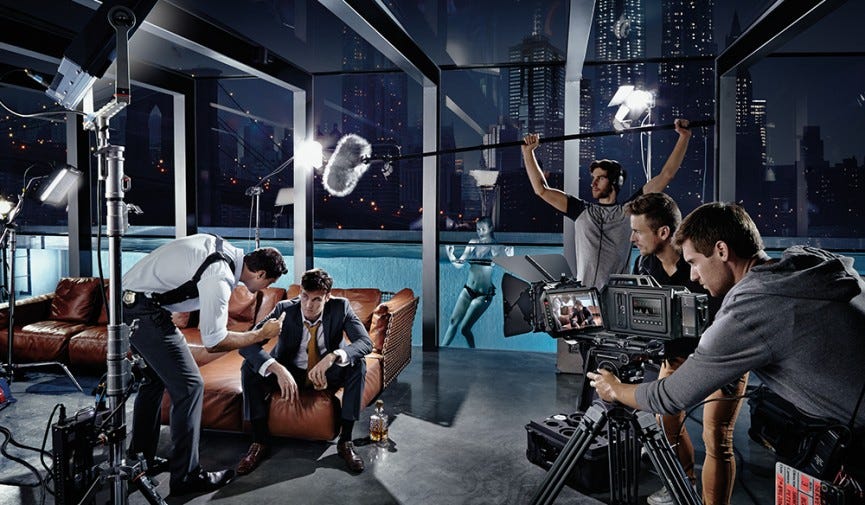
Explore the evolution of film editing, from early manual techniques with scissors and glue to today's advanced software....
View Board
Discover the multifaceted role of a film producer! Learn about their responsibilities in development, production, distri...
View Board
Explore the incredible journey of Joe Penna, aka MysteryGuitarMan, from YouTube sensation to acclaimed filmmaker. Discov...
View Board
Explore the unique style of Bill Wurtz, the viral video creator behind 'History of Japan' and 'History of the Entire Wor...
View Board
Unlock the power of cinematic color theory! Learn how filmmakers use color schemes to evoke emotions, enhance storytelli...
View Board
Explore the dynamic expansion of the animation industry! Dive into market forecasts, growth drivers, regional trends, an...
View Board
Explore CGI's transformative impact on cinema! From early pixelated graphics to photorealistic worlds, discover how comp...
View Board
Master the art of character development! Learn to craft believable, compelling characters for film using proven techniqu...
View Board
Explore film lighting techniques! Master the art & science of light: three-point setups, color temperature, diffusion, a...
View Board
Explore cinematic landscapes: the art of visual storytelling through film. Learn techniques like mise-en-scène, lighting...
View Board
Uncover the film production process! From development to distribution, learn the 5 key stages of filmmaking, including p...
View Board
Explore the evolution of independent film movements, from early rebels challenging monopolies to today's digital democra...
View Board
Explore the power of color in film! Discover how filmmakers use hues, saturation, and brightness to evoke emotions and d...
View Board
Explore the fascinating evolution of cinema, from its silent beginnings with Edison and Lumière to the Golden Age of Hol...
View Board
Explore the debate around historical accuracy in films. Discover how filmmakers balance factual fidelity with narrative,...
View Board
Discover the story of Benny and Rafi Fine, the pioneering brothers behind Fine Brothers Entertainment (FBE) and the vira...
View Board
Discover how Casey Neistat revolutionized vlogging! From HBO to YouTube superstar, explore his creative journey, entrepr...
View Board
Delve into cinematic metaphors! Learn how visual symbolism, narrative parallels, and editing reveal deeper film meaning....
View Board
Explore the epic journey of Star Wars from its humble beginnings to the current wave of streaming series and films, disc...
View Board
A seismic shift in the global cinematic landscape as foreign films reach an all-time high, shattering Hollywood's domina...
View Board
Comments